Help & Support
Get help fast when you need it. Multiple support channels for different needs.
Most questions get answered within minutes on Discord by our community!
💬 Discord Community (Recommended)
Best for: Real-time help, community tips, announcements
Join here: https://discord.gg/BhytEvbmYt
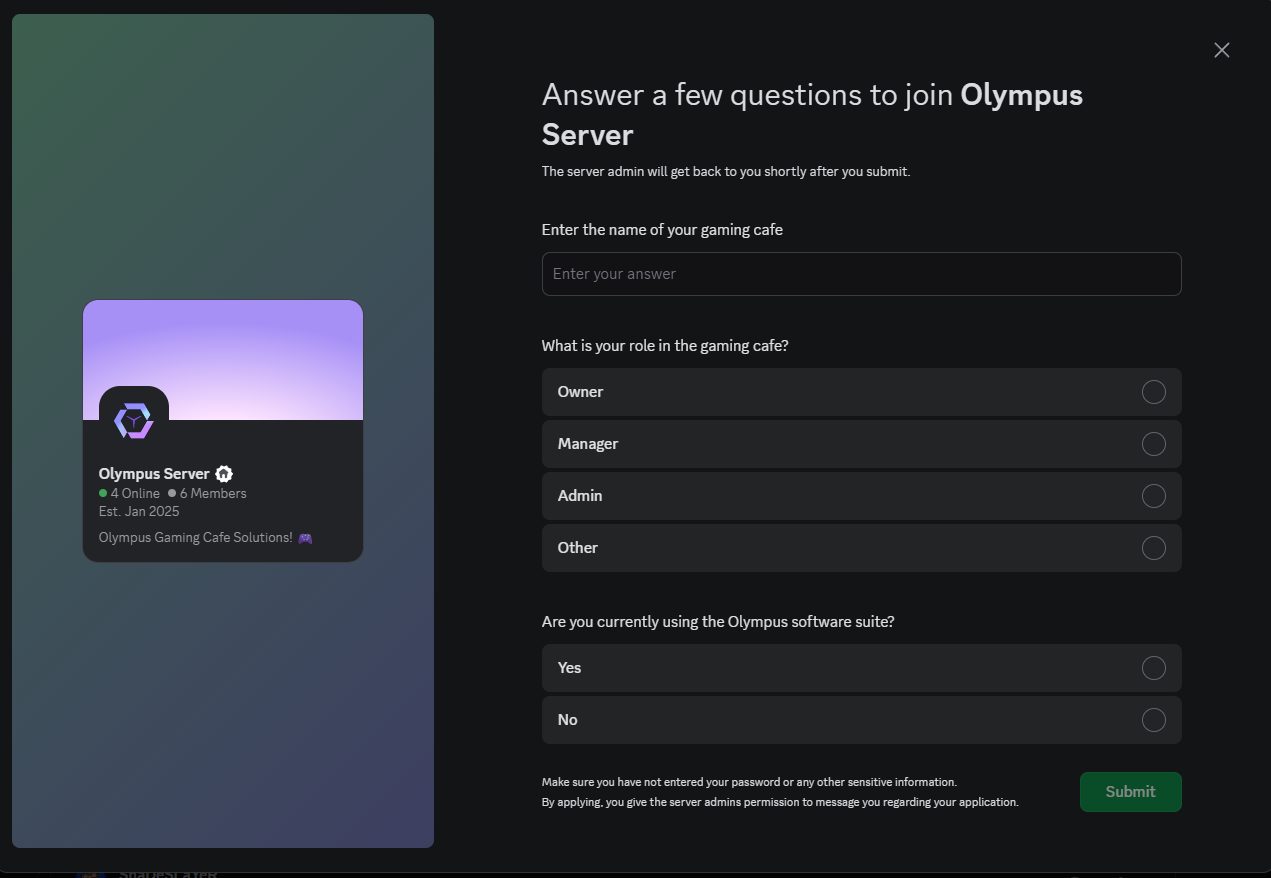
What you get:
- ⚡ Instant help from other café owners
- 🎯 Support team responses (usually under 1 hour)
- 📢 Product updates and announcements
- 💡 Tips, tricks, and best practices
- 🤝 Network with other café owners
Channel Guide:
#general-support- Ask any questions#technical-issues- Software bugs and problems#feature-requests- Suggest improvements#announcements- Important updates#community-tips- Share your experiences
📱 WhatsApp Support
Best for: Urgent issues that need immediate attention
Number: +91 974-123-4643
Response time: Usually within 2 hours (business hours)
When to use:
- 🚨 System completely down
- 💳 Payment processing stopped
- 🔒 Unable to access dashboard
- ⚠️ Critical business impact
📧 Email Support
Best for: Detailed technical issues, feature requests, billing
Email: [email protected]
Response time: Within 24 hours
When to use:
- Complex technical problems
- Feature requests with documentation
- Billing and license questions
- Formal complaints or feedback
🖥️ Remote Assistance
For complex issues that need hands-on help:
Setup Process:
- Download AnyDesk from anydesk.com
- Install and launch the application
- Share your AnyDesk ID with support team
- Grant access when support connects
- Watch and learn as issues get resolved
When Remote Help is Used:
- Complex installation problems
- Network configuration issues
- Database corruption
- System recovery after crashes
📚 Self-Help Resources
Knowledge Base
Everything you need to know:
- 📖 Complete documentation (this site!)
- 🎥 Video tutorials (coming soon)
- ❓ FAQ section
- 📋 Troubleshooting guides
Common Solutions
🔌 Connection Issues:
- Check server IP hasn't changed
- Verify network cables connected
- Restart Olympus Server software
- Check Windows firewall settings
⚖️ License Problems:
- Verify license key correct
- Check internet connection
- Contact sales for renewals
- Restart server after license update
🖥️ Terminal Problems:
- Reinstall terminal as administrator
- Disable UAC completely
- Add Olympus to antivirus exclusions
- Check server connection from terminal
🚨 Emergency Procedures
System Down Completely
Immediate steps:
- Don't panic - document what happened
- Contact WhatsApp support immediately
- Gather information - what was happening when it failed?
- Prepare for remote assistance - download AnyDesk
Data Loss Concerns
Critical steps:
- Stop all operations immediately
- Don't restart or try fixes without guidance
- Contact support urgently
- Provide last known backup date
⏰ Support Hours & Response Times
Business Hours Support
Indian Standard Time: 9 AM - 8 PM, Monday-Saturday
Response Times:
- 🟢 Critical (System Down): 1 hour
- 🟡 High (Major Features): 4 hours
- 🔵 Medium (Minor Issues): 24 hours
- ⚪ Low (Questions): 48 hours
After Hours Support
- Discord community available 24/7
- Emergency WhatsApp for critical issues
- Email support processed next business day
📊 Getting Better Support
Before Contacting Support
Gather this information:
- 📋 What exactly happened?
- 🕐 When did the problem start?
- 💻 How many terminals affected?
- 🔄 What have you already tried?
- 📸 Screenshots of any error messages
- 🆔 Your license key (last 4 digits only)
Writing Good Support Requests
Good Example:
"Hi, I have 5 terminals but 2 won't connect since this morning. They show red status in dashboard. I've tried restarting both terminals and checked network cables. Server IP is still 192.168.1.100. Getting 'connection timeout' error. Screenshots attached."
Poor Example:
"Terminals not working, please fix ASAP."
🎓 Training & Resources
Staff Training
- Video calls available for new setups
- Screen sharing sessions for feature training
- Best practices workshops
- Troubleshooting training for your team
Documentation Updates
- 📝 This wiki updated regularly
- 📢 Changes announced on Discord
- 📬 Email newsletters for major updates
- 🔔 In-app notifications for important changes
Community Resources
- 💬 User forums on Discord
- 📖 Community-contributed guides
- 🏆 Success story sharing
- 🤝 Peer-to-peer support
💝 Premium Support Options
Dedicated Support (Coming Soon)
- Dedicated account manager
- Priority response (30 minutes)
- Proactive monitoring of your system
- Monthly health check calls
- Custom training sessions
On-Site Support (Select Cities)
- Installation assistance
- Staff training at your location
- Network setup and optimization
- Hardware recommendations
🤝 We're Here to Help!
Your success is our priority. Don't hesitate to reach out whenever you need assistance!