Getting Started: Quick Setup
Get your Olympus Server running in 15 minutes with this step-by-step guide.
✅ Owner account credentials
✅ License key (from sales team)
✅ Dedicated server PC with internet
✅ 15 minutes of your time
Step 1: Download (2 minutes)
Get the Software
- Go to admin.codeclutch.io
- Log in with your credentials
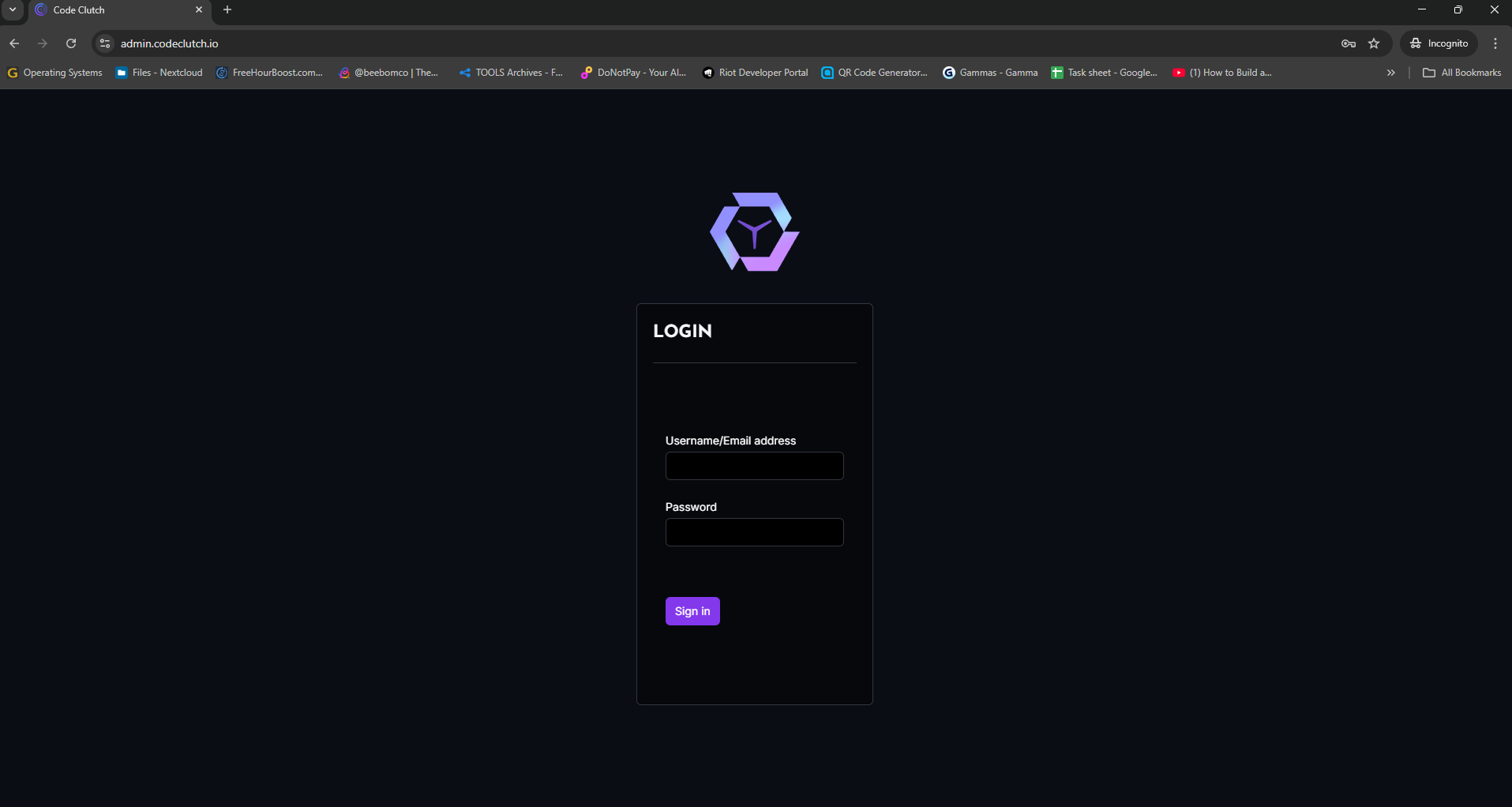
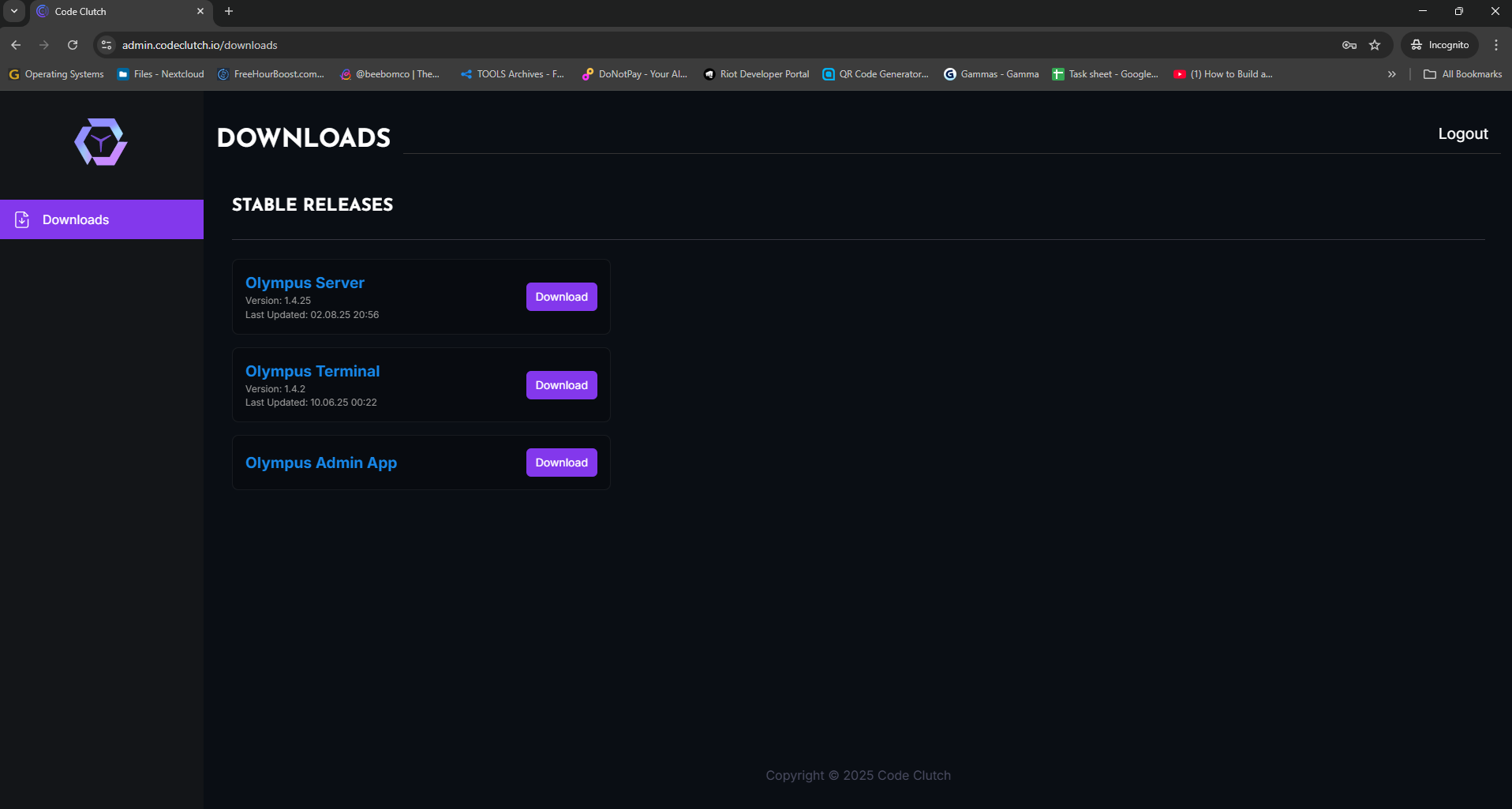
- Click "Download Olympus Server"
Step 2: Install (3 minutes)
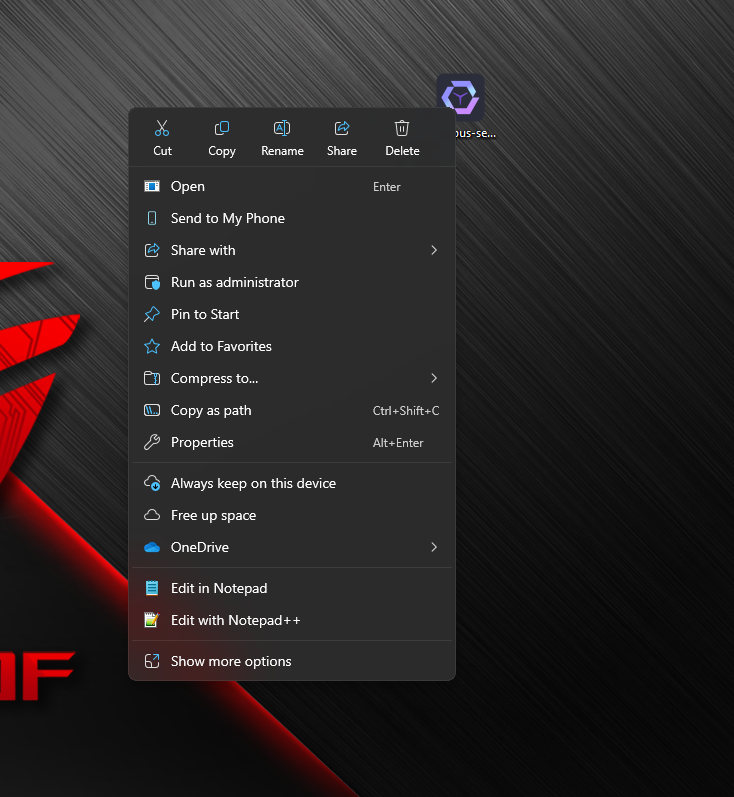
Install as Administrator
Right-click installer → "Run as administrator" - Don't skip this!
- Right-click the downloaded file
- Select "Run as administrator"
- Follow installation wizard
- Software launches automatically when done
Step 3: Activate License (2 minutes)
Enter Your License Key
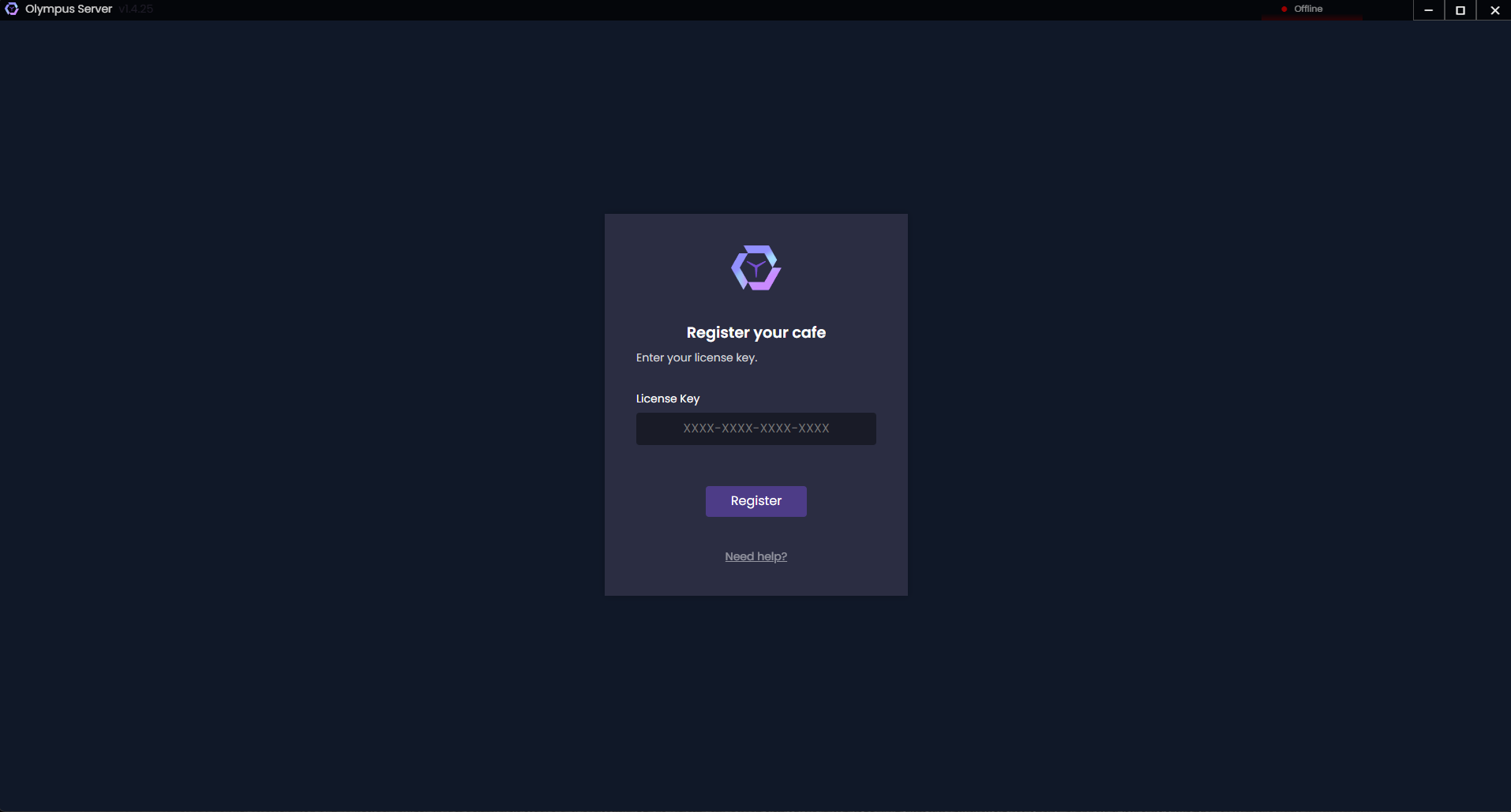
- Copy license key from your email
- Paste into the input field
- Click "Submit"
- Wait for validation ✅
Accept Terms & Conditions
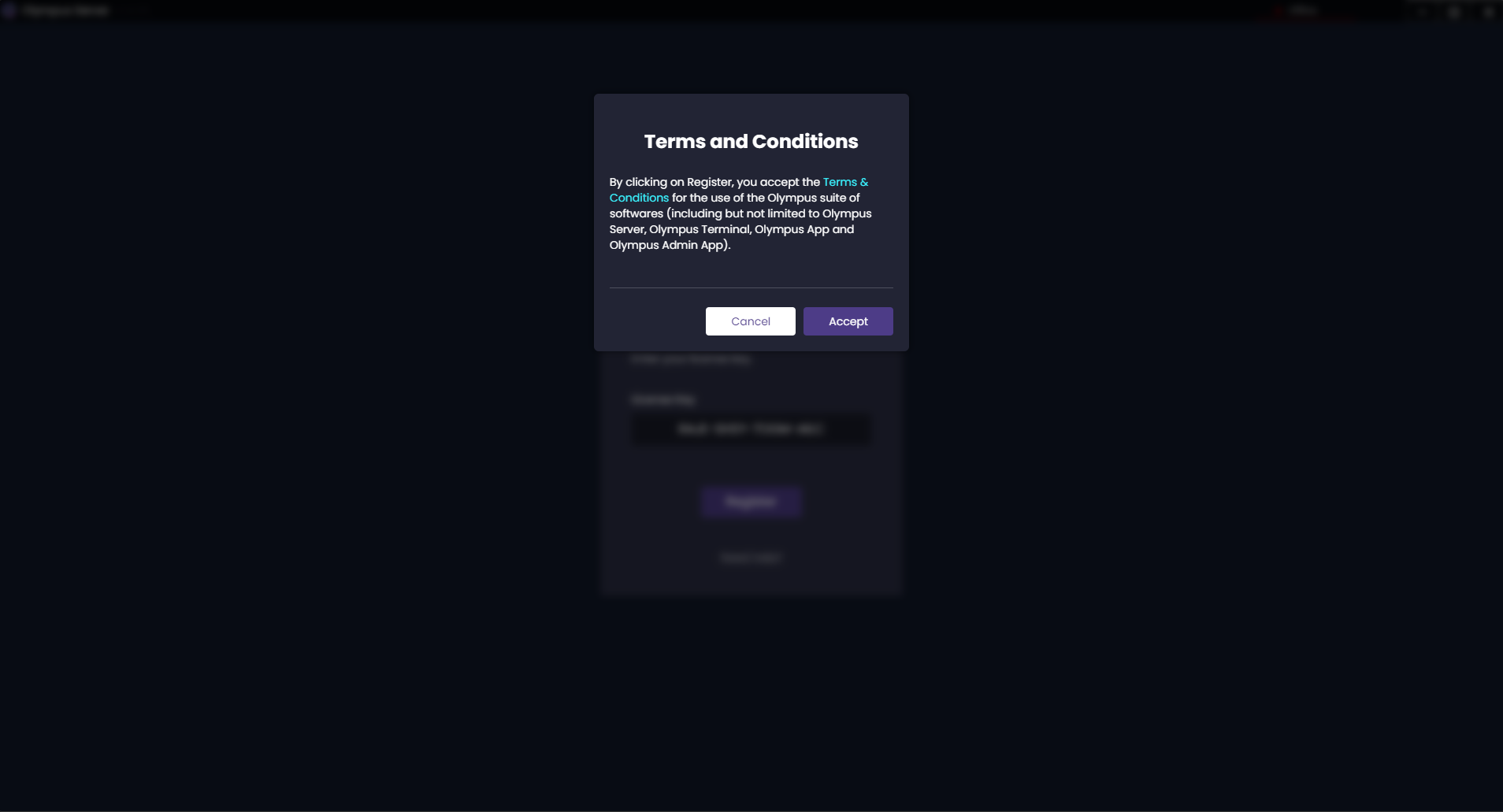
- Read terms carefully
- Click "Accept" to continue
- Server will restart automatically
Step 4: First Login (1 minute)
Access Your Dashboard
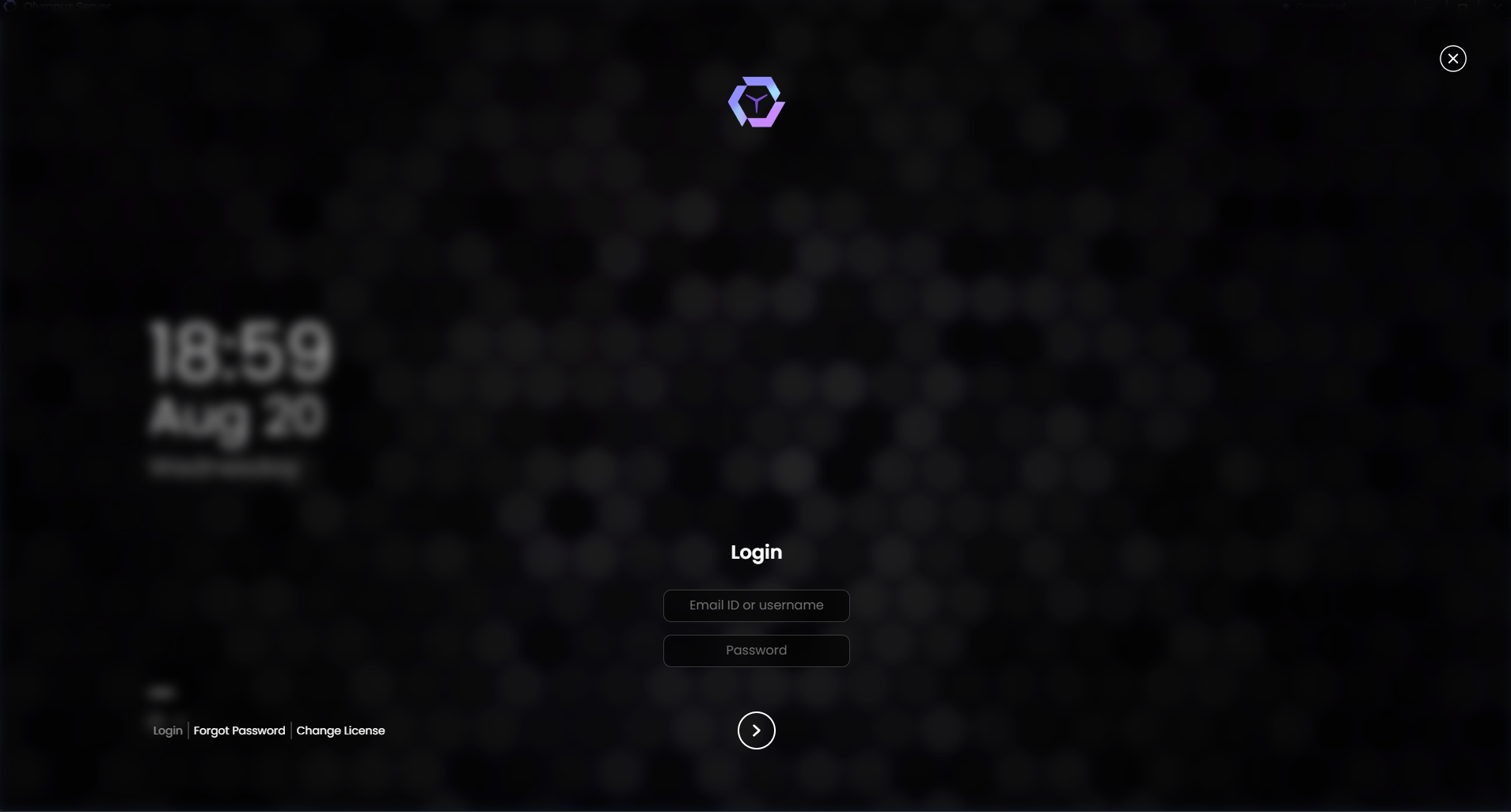
- Enter your Olympus ID credentials
- Click "Login"
- Welcome to your dashboard! 🎉
Quick Verification Checklist
After setup, verify everything works:
- ✅ Dashboard loads without errors
- ✅ License shows as "Active"
- ✅ Server status shows "Running"
- ✅ No red warning messages
- ✅ Can navigate between menu items
Next Steps (Choose Your Path)
🚀 Quick Start:
- Set Windows settings (5 min)
- Explore the dashboard (3 min)
- Install first terminal (10 min)
📚 Deep Dive:
Troubleshooting Setup
License Key Issues
Problem: "Invalid license key"
Solution: Double-check email for correct key, ensure internet connection
Problem: "License expired"
Solution: Contact sales team for renewal
Installation Problems
Problem: "Permission denied"
Solution: Uninstall → Run installer as administrator
Problem: Software won't start
Solution: Check Windows version (need Windows 10+)
Need Help?
🟢 Immediate Help:
- WhatsApp: +91 974-123-4643
🟡 General Support:
- Discord: Join our community
- Email: [email protected]
✅ Setup Complete! Your server is ready to manage your gaming café.